Model Context Protocol (MCP): How Companies Chat With Their Own Data
Joshua Heller · September 16, 2026 · 12 min.
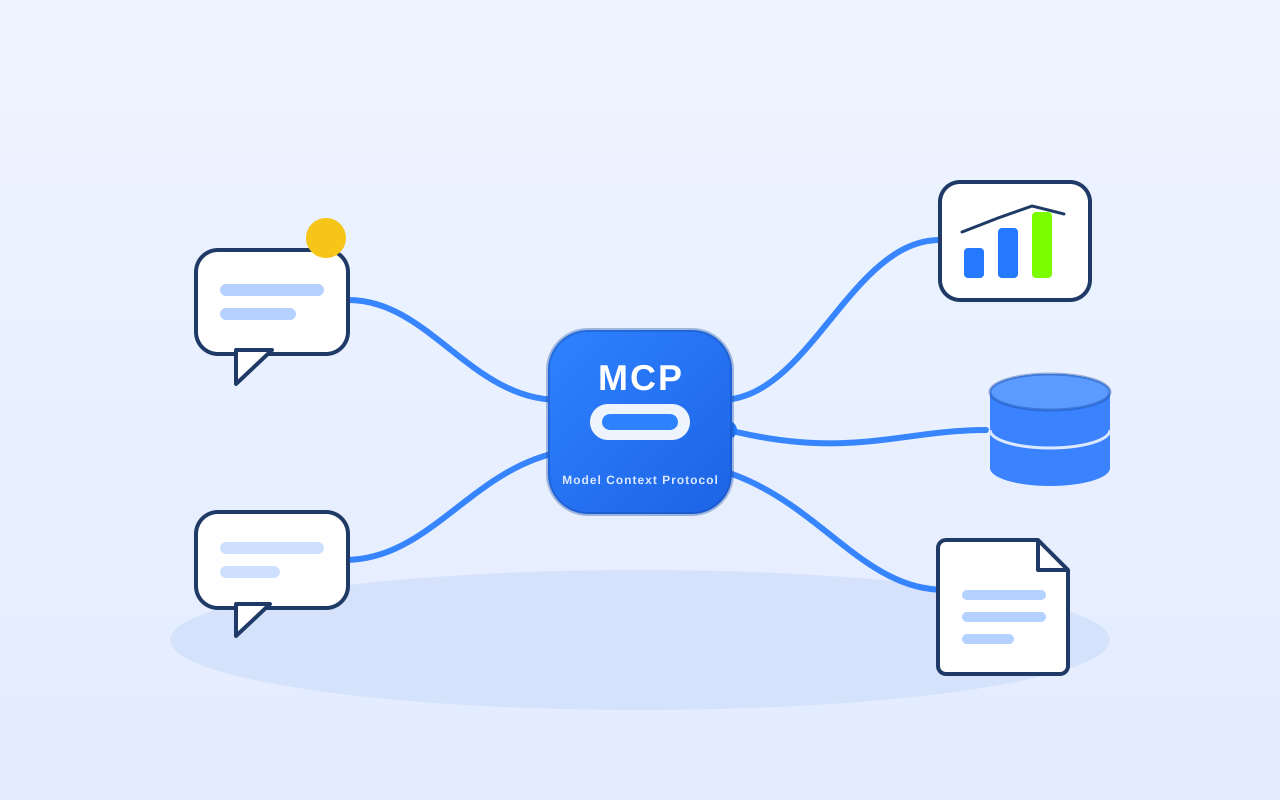
The dream of simply talking to your own data isn’t new. For a long time I wanted to analyse TAISC’s web metrics without clicking through the Google Analytics UI every time – building custom reports there is honestly a pain. So I connected Google Analytics to my development environment via the Model Context Protocol (MCP). Since then I just ask: “Show me traffic since April for the DACH region and the top sources per country” – and get a finished report with real GA4 numbers back. No UI struggle, no manual clicking.
That sounds like a small gimmick, but it’s the leading edge of a bigger shift. This article is about exactly that: what MCP really is, why half the AI industry adopted it within a year, where the risks are – and how, as a mid-sized company, you decide whether and where MCP is worth it for you.
What is the Model Context Protocol (MCP)?
MCP is an open standard that lets AI applications access external data and tools. Anthropic introduced and open-sourced the protocol in November 2024. The common analogy: MCP is a bit like a USB-C port for AI. Instead of building a bespoke integration for every data source, there’s one standard connector that systems plug into.
Anyone who has ever tried to connect an AI project to real company systems knows why that was needed:
- Interfaces are outdated or poorly documented.
- Or there are good APIs, but they’re so extensive that the integration takes weeks.
- The result: connecting is either impossible or simply uneconomical.
Before MCP, every AI tool essentially had to be wired to every data source individually – the classic M×N problem: M applications times N data sources produce a flood of one-off integrations. MCP turns that into M+N: each application speaks the protocol once, each data source gets one MCP server – and everything becomes combinable.
The four building blocks – and how a call flows
MCP defines four roles. Once you understand them, you understand why the protocol connects so well:
- Host: the AI application you work in – e.g. Claude, ChatGPT, Cursor or Visual Studio Code.
- MCP client: sits inside the host and speaks the protocol.
- MCP server: the standardised bridge to a specific data source. It exposes “tools” (e.g. “query traffic”).
- Data source: your systems – files, databases, local or remote APIs.
The key point: the MCP server automatically tells the model which tools it offers. The model no longer has to be hard-wired; it discovers at runtime what’s available. Try it in the interactive flow below:
Interactive
How an MCP call actually flows
Pick a use case and follow the question from the chat all the way to your data source.
"Show me traffic since April for the DACH region and the top sources per country."
- Host Chat interface (e.g. Claude, ChatGPT, Cursor)
- MCP client built into the host – speaks the protocol
- MCP server Google Analytics MCP server
- Data source GA4 property
A finished report with real GA4 numbers – no clicking through the Analytics UI.
MCP vs. classic integration vs. function calling
“Couldn’t AI already connect to tools?” – yes, via function calling. The difference is reusability and effort. Function calling is strong for structured tasks but has to be rebuilt per application. MCP standardises the interface once – and any compatible host can use the server.
| Criterion | Classic point-to-point integration | Function calling | Model Context Protocol (MCP) |
|---|---|---|---|
| Reusable across tools | No, rebuilt per system | Partly, defined per app | Yes, one server, many hosts |
| Tool discovery | Manually wired | Manually defined | Dynamic at runtime |
| Effort at many sources | M×N integrations | Grows with each app | M+N integrations |
| Standardisation | None | Vendor-specific | Open standard |
| Best for | One-off point-to-point link | Clearly scoped, structured tasks | Recurring access to many systems |
The through-line: MCP doesn’t solve “AI can’t use tools” – it already could. It solves “every connection is an expensive custom build”. And in mid-sized companies that’s often exactly why good AI ideas never reach production.
From niche protocol to industry standard – in one year
When I started experimenting with MCP in mid-2025, it was still an interesting Anthropic project. Today it’s infrastructure. The pace since then is unusual – and important context, because it shows MCP is no longer a bet on a single vendor:
- March 2025: OpenAI officially adopts MCP and integrates it into, among other things, the Agents SDK and the ChatGPT desktop app. Google and Microsoft follow in spring 2025.
- September 2025: the official MCP Registry launches – a central catalogue for finding and connecting MCP servers. Within months it grows to around 2,000 entries.
- November 2025: for its first anniversary, a major spec version ships with long-running task workflows, simplified authorisation and server-side agent loops, among others.
- December 2025: Anthropic donates MCP to the Agentic AI Foundation, a directed fund under the Linux Foundation – co-founded by Anthropic, Block and OpenAI, with Google, Microsoft, AWS, Cloudflare and Bloomberg on board. That puts MCP under the same neutral stewardship as Kubernetes, PyTorch or Node.js.
The figures from Anthropic’s own announcement back this up: over 97 million SDK downloads per month and more than 10,000 active servers after roughly a year, with first-class client support in Claude, ChatGPT, Cursor, Gemini, Microsoft Copilot and VS Code. For you as a decision-maker, the takeaway is simple: adopting MCP today means building on a vendor-neutral standard, not on one provider’s ecosystem.
Use cases for mid-sized companies
The most striking thought from my own experiment wasn’t “I can now chat with GA4”. It was the thought right after: what if AI could tap an ancient legacy system with no API docs – and the data still becomes usable? That’s the real lever for many companies:
- Talk to your metrics instead of building reports. Connect Google Analytics, a data warehouse or a BI system via MCP – and request analyses in plain language instead of maintaining dashboards.
- Tap legacy systems that never had a modern API. A read-only MCP server on an ERP or SQL database makes data usable that would otherwise require expensive custom work.
- Make documents searchable. Quotes, contracts, minutes from a file share or SharePoint – with sources instead of hallucination.
- Chain internal tools. Ticketing, CRM, calendar: an agent can combine several MCP servers and complete tasks across system boundaries. What such agents look like in practice is covered in our piece on cutting AI agent costs with the advisor-orchestrator pattern.
One point I noticed clearly in my GA4 experiment, and it often gets lost: the data foundation still decides everything. MCP provides access – but if the data is messy, incomplete or lacks context, the nicest standard won’t help. That’s exactly why a clean data basis matters so much, as we describe in detail in ground-truth data in RAG systems.
The flip side: take MCP security seriously
As practical as MCP is, a universal connector to your systems is also a universal entry point if you use it carelessly. That’s no reason to avoid it, but a very good reason to do it properly. The main risks security researchers have documented since 2025:
- Tool poisoning / prompt injection: a malicious MCP server can hide instructions in its tool descriptions. The model reads them; the user never sees them. Simon Willison flagged this early.
- “Rug pull”: a server looks harmless on day 1 and changes its tool definition later – for example to siphon off API keys.
- Cross-server interference: with several servers on the same agent, a malicious one can intercept calls meant for a trusted one.
- Over-broad permissions: in a documented incident in mid-2025, an agent with far-reaching database rights processed a support ticket containing smuggled-in SQL commands – and leaked sensitive tokens.
The good news: these are known, manageable risks. In practice, clean usage mostly means:
- Use only trusted servers – ideally from the official registry or self-hosted.
- Least privilege: scope access as tightly as possible, read-only where it’s enough, isolate credentials.
- Keep a human in the loop for anything that writes, deletes or moves money. Why an AI that asks before it acts is the better design, we covered here: AI that asks back (human in the loop).
- No blind auto-execution of tools, plus monitoring and logging.
When MCP is worth it – and when it isn’t
MCP is a tool, not an end in itself. From our projects, the honest take:
- Worth it when you access the same systems repeatedly, want to combine several tools, or need data from poorly connected legacy systems.
- Less worth it for a one-off, clearly scoped point-to-point task – sometimes a simple script or a direct API call is faster.
- Requires that the data basis is sound and the processes are clear. Otherwise you just automate chaos faster.
As with any tool: process first, technology second. A quick, honest look at where you stand is what our AI readiness check is for – and MCP is often the building block that turns a good idea into a productive connection.
Frequently asked questions about MCP
What is the Model Context Protocol (MCP) in simple terms?
MCP is an open standard that lets AI applications access external data and tools. Instead of building a bespoke integration for every data source, there is one standard "connector" – often described as USB-C for AI. Anthropic released MCP in November 2024; since December 2025 it has been developed vendor-neutrally under the Linux Foundation.
How does MCP work technically?
MCP defines four roles: the host (the AI app such as Claude, ChatGPT or Cursor), the MCP client (built into the host), the MCP server (the bridge to a data source that exposes tools) and the data source itself. The server automatically tells the model which tools are available – it no longer has to be hard-wired.
What is the difference between MCP and function calling?
Function calling is strong for clearly scoped, structured tasks but has to be defined per application. MCP standardises the interface once: an MCP server can be used by any compatible host. This turns the M×N problem (many apps times many sources) into M+N.
Is MCP secure enough for enterprise use?
With the right precautions, yes. Known risks include tool poisoning, prompt injection and over-broad permissions. Key measures are: use only trusted servers, apply least privilege, keep a human in the loop for write actions, and rely on monitoring instead of blind auto-execution.
Do I need MCP to chat with my own data?
Not necessarily, but it is usually the most economical way if you want recurring access to several systems. For a single one-off query, a direct API call may be enough. In both cases, a clean, well-structured data foundation remains decisive.
Conclusion
MCP is the moment AI stops being an isolated chat window and starts docking onto your systems. Within a year, an Anthropic experiment has become a vendor-neutral industry standard – carried by OpenAI, Google, Microsoft and the Linux Foundation. For mid-sized companies, that’s the chance to finally make poorly connected legacy systems and scattered data usable, without paying for an expensive custom build for every connection.
Two things decide between success and disappointment: a clean data foundation and a secure, well-thought-out setup. That’s exactly where we come in. Want to know which of your systems can be connected via MCP sensibly and securely? Let’s take a look in a free intro call.
Your direct line to our AI specialists
Book a free consultation