AI That Asks First: Why Good AI Products Ask Questions Instead of Guessing
Joshua Heller · August 26, 2026 · 9 min.
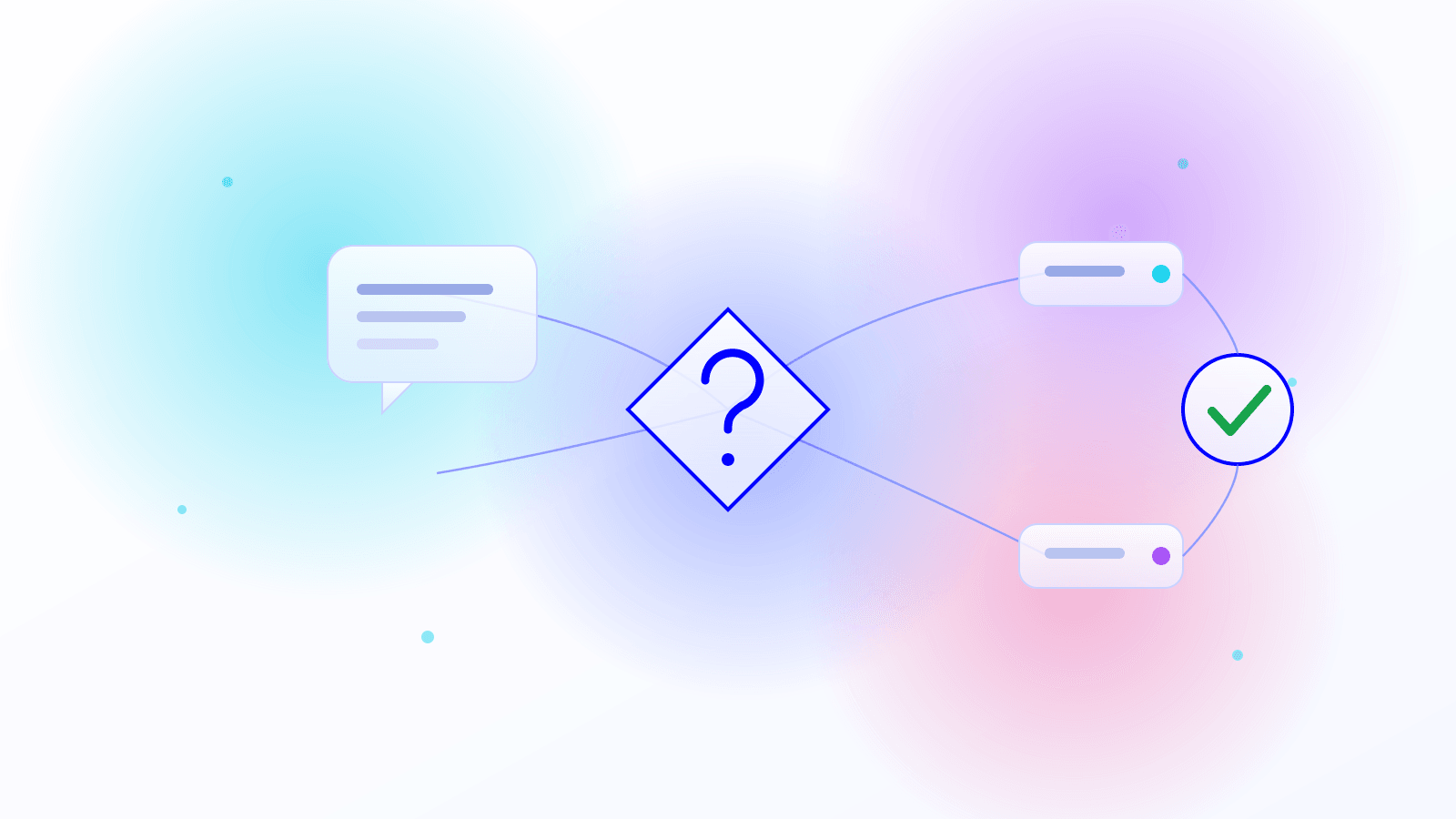
One small design decision changed more about one of our live products than any model upgrade did: the AI no longer guesses when information is missing. It asks. That sounds trivial — but it’s the difference between a tool people trust and one they constantly correct after the fact.
The product drafts expert reports (Gutachten). And every appraiser works differently: their own structure, their own writing style, different clients, different trades. A one-time onboarding isn’t enough — the AI would have to guess, every single time, how this appraiser wants this report built. The fix wasn’t a better model, it was an explicit question mode before the AI writes anything at all. That’s what this post is about: why “ask instead of guess” isn’t a nice-to-have but one of the highest-leverage reliability decisions you can make in an AI product — and how to implement it without drowning users in questions.
The real problem: AI guesses instead of asking
What do most AI tools, chatbots, and assistants do when information is missing or a request is ambiguous? They silently make an assumption and keep going on incomplete knowledge. The result is errors, hallucinations, and simply bad solutions — just wrapped in output that looks confident and finished.
This isn’t an edge case, it’s a known weakness of today’s language models. CLAMBER, a benchmark presented at ACL 2024, systematically tested how well large language models recognize ambiguous requests and ask useful clarifying questions. The sobering finding: current models rarely ask high-quality questions on their own, because they’re poor at judging where their own knowledge ends. Instead of signaling uncertainty, they guess — fluently and convincingly.
For a consumer chat, that’s annoying. In a domain product — expert reports, accounting, medical documentation, contracts — it’s a risk. A wrong assumption about a report’s structure doesn’t produce “a slightly different answer,” it produces a document that misses the mark on substance while still looking professional. That’s the most dangerous kind of error: the one you don’t spot at first glance.
Guessing vs. asking: a direct comparison
The difference between an AI product that guesses and one that asks doesn’t show up in a single feature — it shows up in nearly every dimension of use:
| Dimension | AI that guesses | AI that asks |
|---|---|---|
| Missing information | Silent assumption, keeps going | Targeted question before the output |
| Typical failure mode | Hallucination, wrong context | Sharply reduced — context is confirmed |
| Who catches the error? | The user, often too late | Cleared up before generation |
| Rework | High: correct, re-prompt | Low: answer once, then it fits |
| User trust | Erodes with every silent wrong guess | Grows — the tool feels like it thinks along |
| Fit for domain use | Risky with individual structures | High — domain knowledge is queried |
The decisive row is “Who catches the error?”. In a guessing system, quality assurance shifts entirely onto the user — after generation. In an asking system, it happens beforehand, in dialog, where a correction costs almost nothing.
Why late corrections are so expensive
That fixing an error early is cheaper than fixing it late isn’t an AI insight — it’s one of the oldest rules of thumb in software engineering. The widely cited estimate from the IBM Systems Sciences Institute holds that a defect caught only in production costs many times what fixing it in the requirements phase would have — depending on the source, the range from requirements to production is given as 15x to 100x (see, among others, the write-up at Functionize).
The exact multipliers are disputed in the field and shouldn’t be read as a hard constant. But the qualitative core is robust and intuitive: as long as a misunderstanding lives only in someone’s head, clearing it up costs one sentence. Once it’s baked into a finished draft, it costs correction, re-review, and trust.
An unasked clarifying question is exactly this kind of early, invisible requirements defect. “Which structure should I use for this report?” is the cheapest conceivable error correction — asked before a single word is written. The alternative is to produce the whole draft, find the error on review, and start over. Asking, then, isn’t only a quality argument — it’s a hard efficiency argument.
What a question mode looks like in practice
The principle is surprisingly easy to build today. The flow is always the same: before the AI performs a consequential task, it checks whether the context is unambiguous. If it isn’t — or if there are several sensible options — it asks a targeted question instead of guessing.
traceable, trustworthy, less rework
The form of the question is what matters. A free-text “What would you like?” pushes the work back onto the user. Much better: a concrete question with multiple-choice options and a sensible preselected default — plus a free-text field for cases none of the options fit. That way the most common answer costs one click, and the rare exception is still possible.
This pattern isn’t something we invented. You can watch it every day in developer tools: Claude Code’s Plan Mode forces the model to ask clarifying questions about ambiguous requirements and architectural choices before implementing, and only then produce a plan. And the AskUserQuestion pattern interrupts the agent precisely at the genuine forks — where several interpretations of a request are possible and the wrong one would be costly. Both are the same idea at heart: at consequential branch points, a human decides, not the model’s random sampler.
Human-in-the-loop is more than a feature
The question mode is a special case of a bigger principle: human-in-the-loop. In practice it means deliberately pulling a human into the loop at defined, high-risk points instead of letting the AI decide fully autonomously. That’s now widely regarded as one of the core prerequisites for running AI agents safely in a company — alongside clean data sources, reliable verification against those sources, and ongoing monitoring.
In a real product, this safety net is made of several unglamorous building blocks:
- Ask when context is missing. The question mode described above, before generation.
- Approval for consequential actions. Before anything is sent, deleted, or finalized, the human gets the last word.
- A reset mechanism. Users eventually misconfigure their own settings by accident — that’s not an exception, it’s everyday reality. A one-click reset to a known-good default belongs to the safety net just as much as the clarifying question does.
- Traceability. Which assumption did the AI make, which question was asked and how was it answered? Logging that is what makes errors attributable later at all.
The common denominator: a good model alone doesn’t make a good AI product. The model is the ingredient, not the dish. A product only becomes reliable through the explicit safety nets around it that survive the daily reality of real users. If you want to go deeper on the data side of this reliability, see our post on ground-truth data in RAG systems; for how the same principle looks in automated workflows, see the post on agentic test automation.
When the AI should not ask
So this doesn’t read as too clean a story: asking is not an end in itself, and an AI that asks about every trifle is just as useless as one that guesses everything. The whole art is in the calibration.
A few honest guardrails from practice:
- Only ask at genuine forks. If there’s exactly one sensible interpretation, a question is just friction. Ask on missing context, multiple valid options, or consequential decisions — not by routine.
- Preselect a default. The AI should propose a reasoned default assumption, not ask empty-handed. In the normal case, the user just confirms.
- Never ask the same question twice. Preferences answered once should be stored. A question mode that forgets what it learned quickly becomes a nuisance.
- A question doesn’t replace verification. The user picking an option doesn’t mean the output is correct. The clarifying question and factual verification against the data sources are two separate safety nets.
Done well, the question mode is invisible until you need it — and in that moment, it feels like the tool is thinking along with you.
What this means for your AI product
If you’re building an AI feature or product for real users, the question is rarely “Which model do we pick?” — it’s “What happens when the AI is missing information?”. In the products we build for clients, that’s a fixed building block:
- an explicit question mode before any consequential generation, with preselected options instead of empty free-text fields,
- clearly defined human-in-the-loop points for approvals and risky actions,
- reset and guardrail mechanisms for the ordinary user’s everyday reality,
- and logging of which assumptions were made and how questions were answered.
None of this is rocket science — but it’s the part that turns an impressive demo into a product people trust day to day. For how the principle carries over to the governance and operation of whole agent systems, see our post on AI agents for companies (German).
Frequently asked questions
Frequently asked questions
Why do AI tools hallucinate when information is missing?
Because most language models are poor at judging where their knowledge ends. Instead of signaling uncertainty or asking, they make a silent assumption and phrase it convincingly. The ACL benchmark CLAMBER (2024) showed that current models rarely ask high-quality clarifying questions on their own. An explicit question mode in the product deliberately compensates for this weakness.
What is a human-in-the-loop step, concretely?
A defined point in the flow where a human deliberately decides instead of letting the AI run on fully autonomously — for example a question on ambiguous context, an approval before sending or deleting, or a confirmation when several interpretations are possible. The goal isn’t to control every step, but to secure the few consequential forks.
Doesn't it annoy users if the AI constantly asks?
If it constantly asks, yes. That’s why calibration is decisive: it only asks on missing context, multiple valid options, or consequential decisions — with a sensibly preselected default, so the most common answer is a single click. Preferences answered once are stored and not asked again.
Isn't a better model enough to avoid errors?
No. A stronger model reduces some errors, but it cannot know what lives only in the user’s head — such as the individual structure of a specific expert report. Reliability comes from the architecture around the model: clarifying questions, human-in-the-loop approvals, verification against data sources, and reset mechanisms.
Does TAISC help build reliable AI products like this?
Yes. Question modes, human-in-the-loop points, and guardrails are a fixed part of our work when we build AI features and products for clients. In a free intro call, we look at where in your product these safety nets pay off the most.
Conclusion
The most interesting decision when building an AI product often isn’t the choice of model, but how the product handles its own knowledge gaps. A tool that guesses shifts quality assurance onto the user — after generation, where errors are most expensive. A tool that asks resolves uncertainty beforehand, in dialog, where a correction costs almost nothing. The effort is small; the effect on trust and rework is large.
Want to know where a question mode or human-in-the-loop would make the biggest difference in your AI product? Book a free intro call — we’ll look at it together.
Your direct line to our AI specialists
Book a free consultation